
ZBTJ Tianjin Binhai International Airport Upgrade Pack
🌐 语言选择: 点击此处查看中文说明
Overview
A tailored scenery enhancement pack for Tianjin Binhai International Airport (ZBTJ) in Aerofly FS. This mod corrects parking stand layouts and optimizes ground lighting effects.
Specifications & Compatibility
- Platform: Aerofly FS 4 (PC / Android / iOS)
- Contents: Ground lighting corrections, apron markings
- File Size: 51.32 KB
- Version: v1.0.0
Installation Guide
- PC Users (Windows):
- Download and extract the archive. You will find
airportandpoifolders. - Navigate to:
C:\Users\username\Documents\Aerofly FS 4\scenery\airports\ - Manually create a new folder named
cninside this directory (if it does not already exist). - Move the folder(s) inside the
airportfolder into thiscndirectory (i.e.,...\scenery\airports\cn\). - Copy the folder(s) inside the
poifolder into:C:\Users\username\Documents\Aerofly FS 4\scenery\poi\
(Note: Replaceusernamein the path with your own Windows user account name)
- Download and extract the archive. You will find
- Mobile Devices (Android):
- No extraction required. Directly copy (⚠️ Important: Please ensure you COPY the file, do not move/cut it) the downloaded
.tmefile into the following application data directory:storage/emulated/0/Android/data/com.aerofly.aeroflyfsg1/files/
- No extraction required. Directly copy (⚠️ Important: Please ensure you COPY the file, do not move/cut it) the downloaded
- Verification:
- Launch Aerofly FS, locate ZBTJ on the navigation map or airport selection menu, and spawn in.
Terms of Use & Disclaimer
Terms of Use:
- This add-on is completely free to use. Commercial redistribution, reselling, or paywalling in any form is strictly prohibited.
- Unauthorized modifications, asset extractions, or derivative works without prior written consent are strictly forbidden.
- If sharing or reposting, keep author credits intact and link back to this official release page.
Download Mirrors
本博客所有文章除特别声明外,均采用 CC BY-NC-SA 4.0 许可协议。转载请注明来源 AeroMods-Hub!
相关推荐
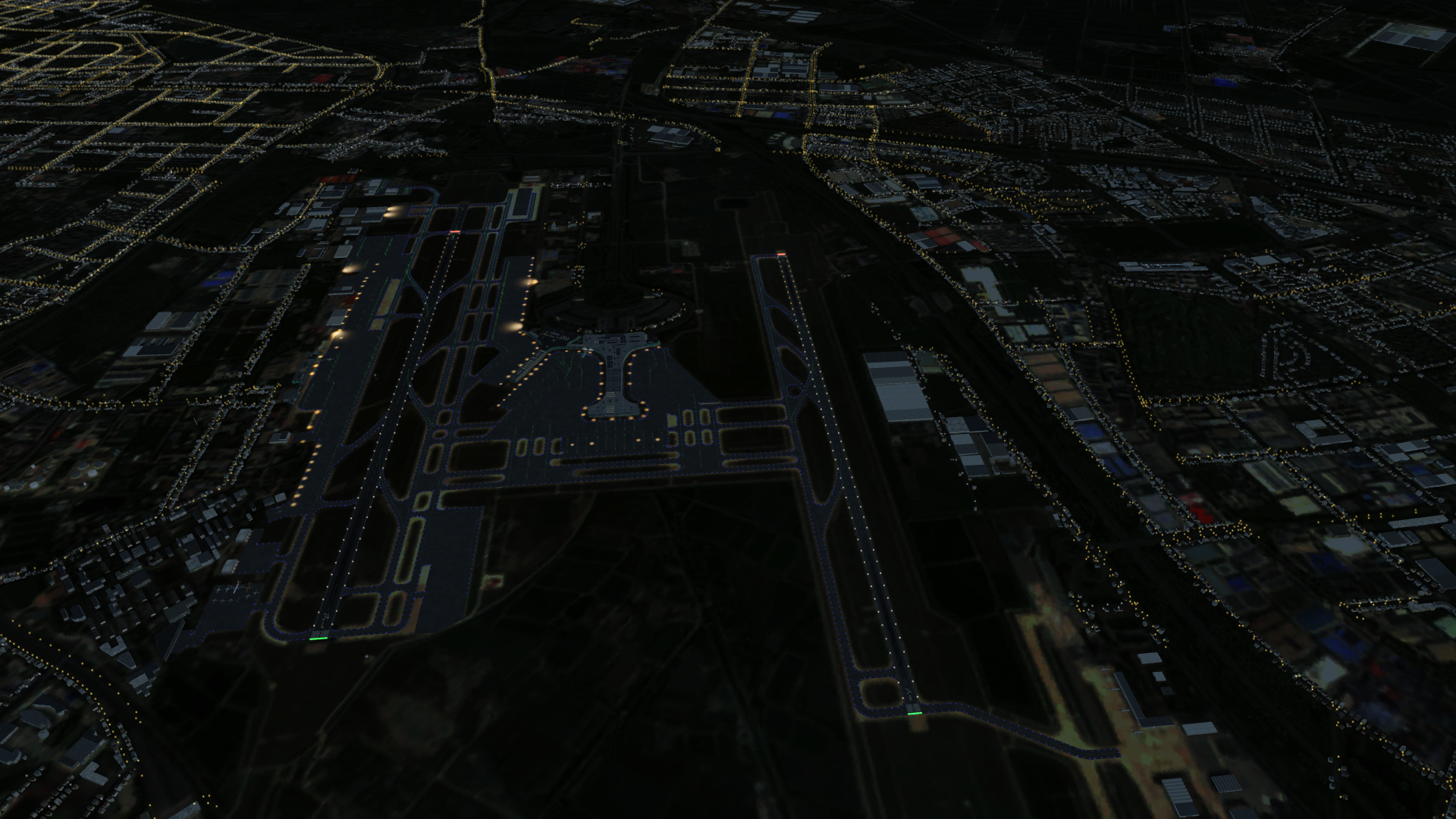
2026-10-05
ZBTJ-天津滨海国际机场
🌐 Language: Click here for English Version 插件介绍本模组为 Aerofly FS 量身定制的天津滨海国际机场(ZBTJ)地景扩展包。修正了停机位布局及地面灯光效果。 规格与兼容性 适用平台:Aerofly FS 4 (PC / And...
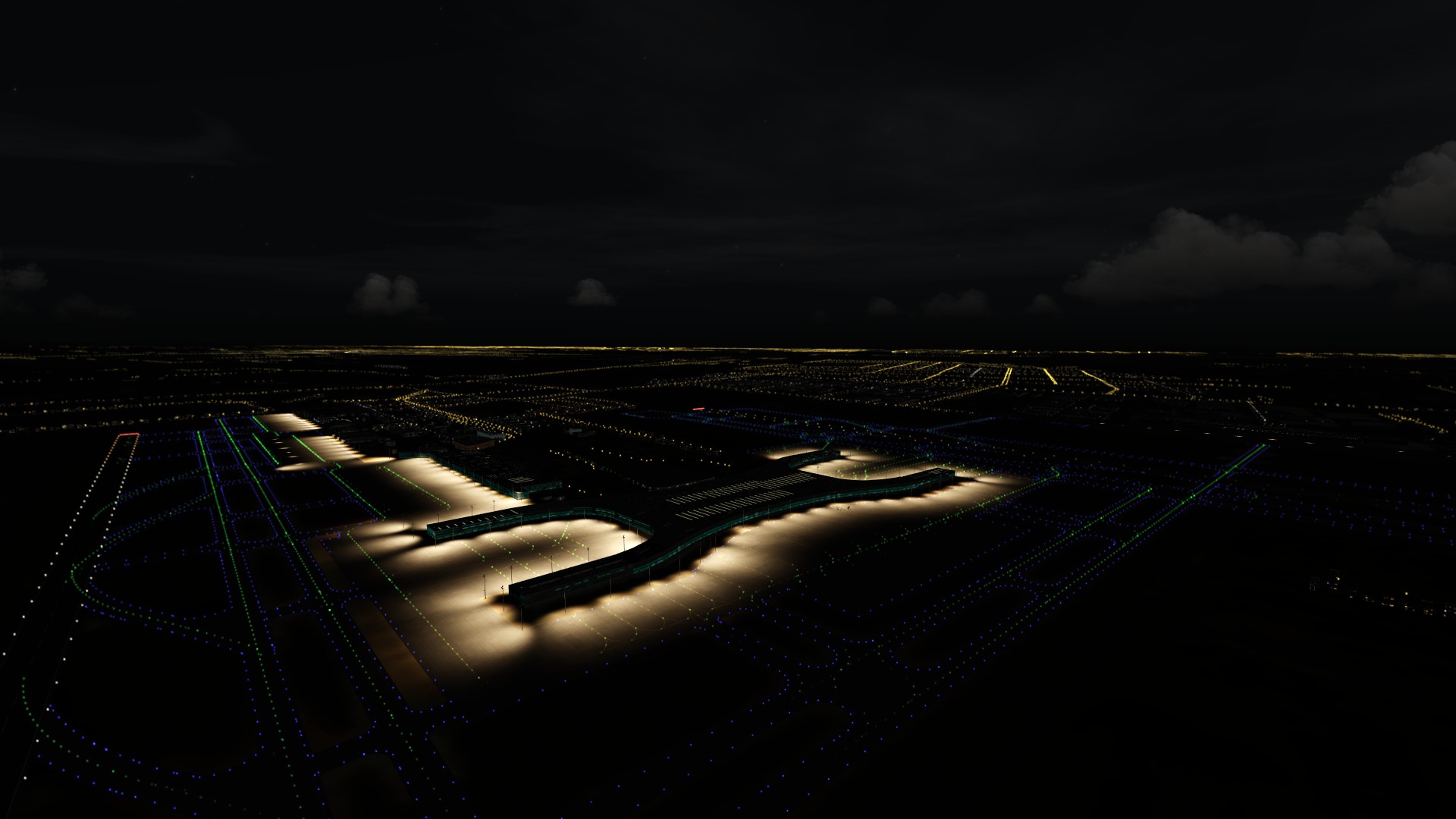
2026-10-04
ZHCC Zhengzhou Xinzheng International Airport Upgrade Pack
🌐 语言选择: 点击此处查看中文说明 OverviewA tailored scenery enhancement pack for Zhengzhou Xinzheng International Airport (ZHCC) in Aerofly FS. This mod fixes...
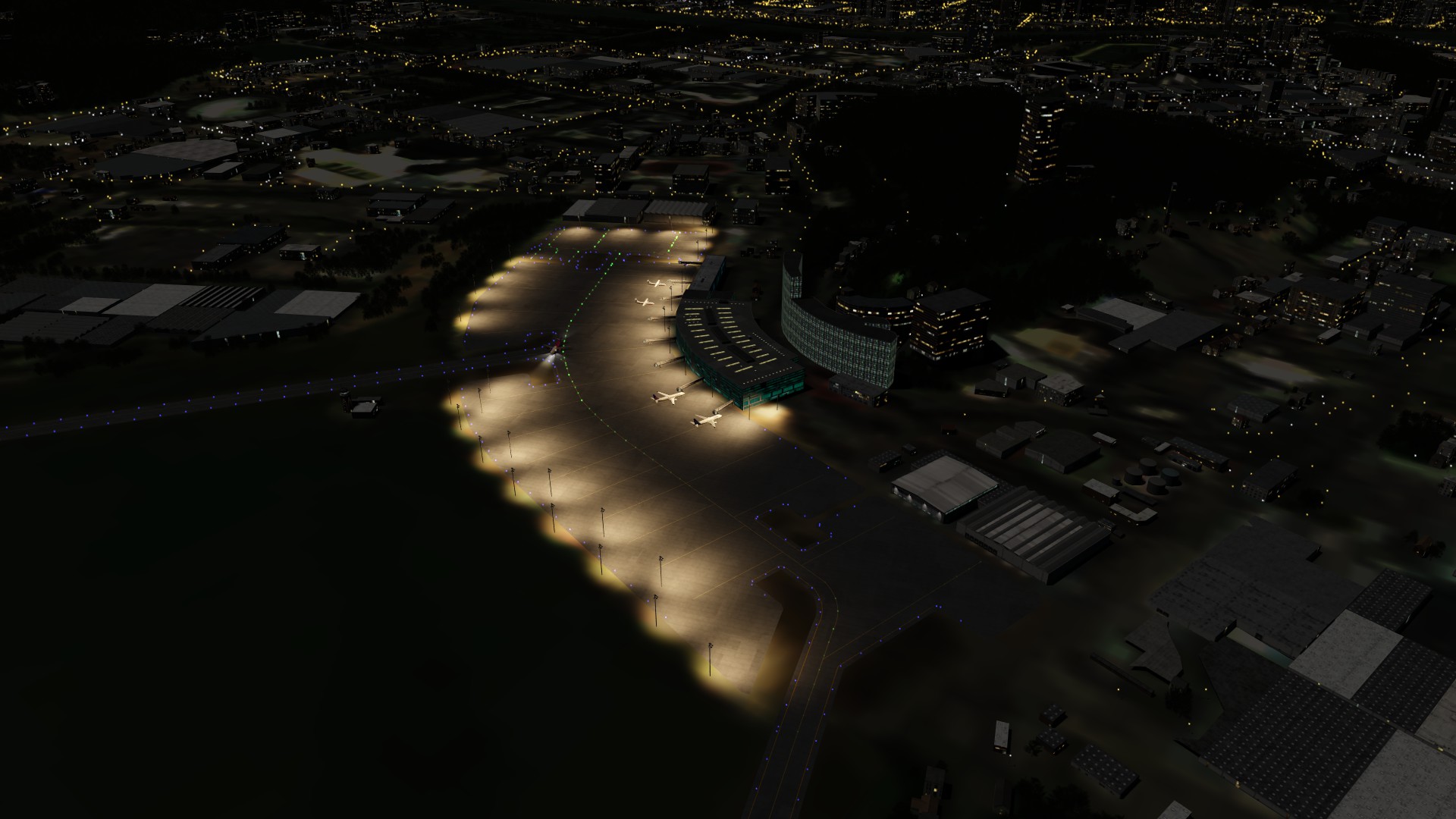
2026-10-04
VMMC Macau International Airport Upgrade Pack
🌐 语言选择: 点击此处查看中文说明 OverviewA tailored scenery enhancement pack for Macau International Airport (VMMC) in Aerofly FS. This mod fixes parking stan...
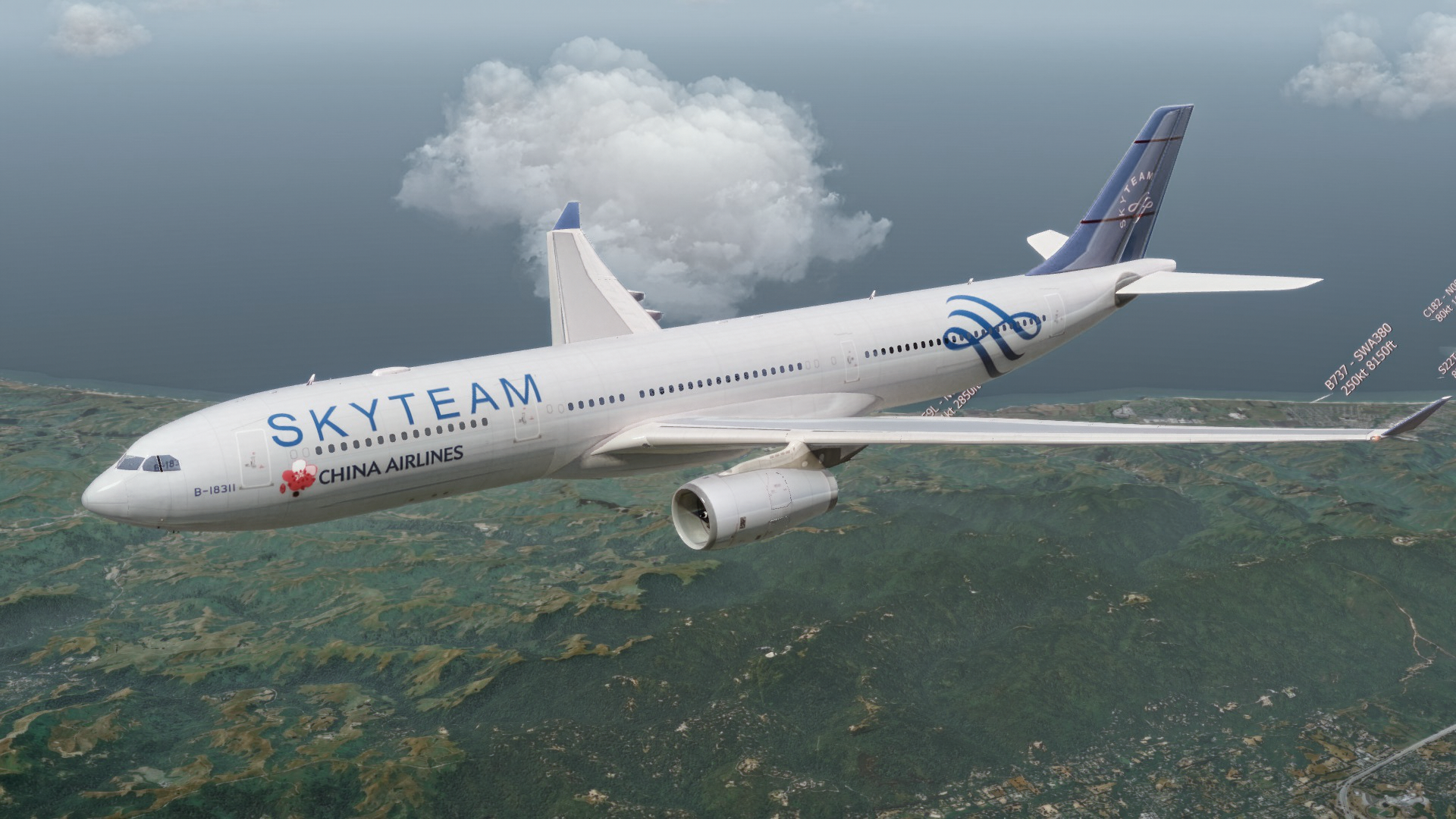
2026-10-04
A330-300 China Airlines SkyTeam Special Livery
🌐 语言选择: 点击此处查看中文说明 OverviewThis add-on brings the China Airlines SkyTeam special livery to the Eliozo A330-300 in Aerofly FS. Specifications &am...
2026-10-04
ZHCC 郑州新郑国际机场升级包
🌐 Language: Click here for English Version 插件介绍本模组为 Aerofly FS 量身定制的郑州新郑国际机场 (ZHCC) 地景扩展包。修正了停机位布局及地面灯光效果。 规格与兼容性 适用平台:Aerofly FS 4 (PC / A...
2026-10-04
VMMC 澳门国际机场升级包
🌐 Language: Click here for English Version 插件介绍本模组为 Aerofly FS 量身定制的澳门国际机场(VMMC)地景扩展包。修正了停机位布局及地面灯光效果。 规格与兼容性 适用平台:Aerofly FS 4 (PC / Andro...